Replacing the Garmin in Our Tiffin Motorhome
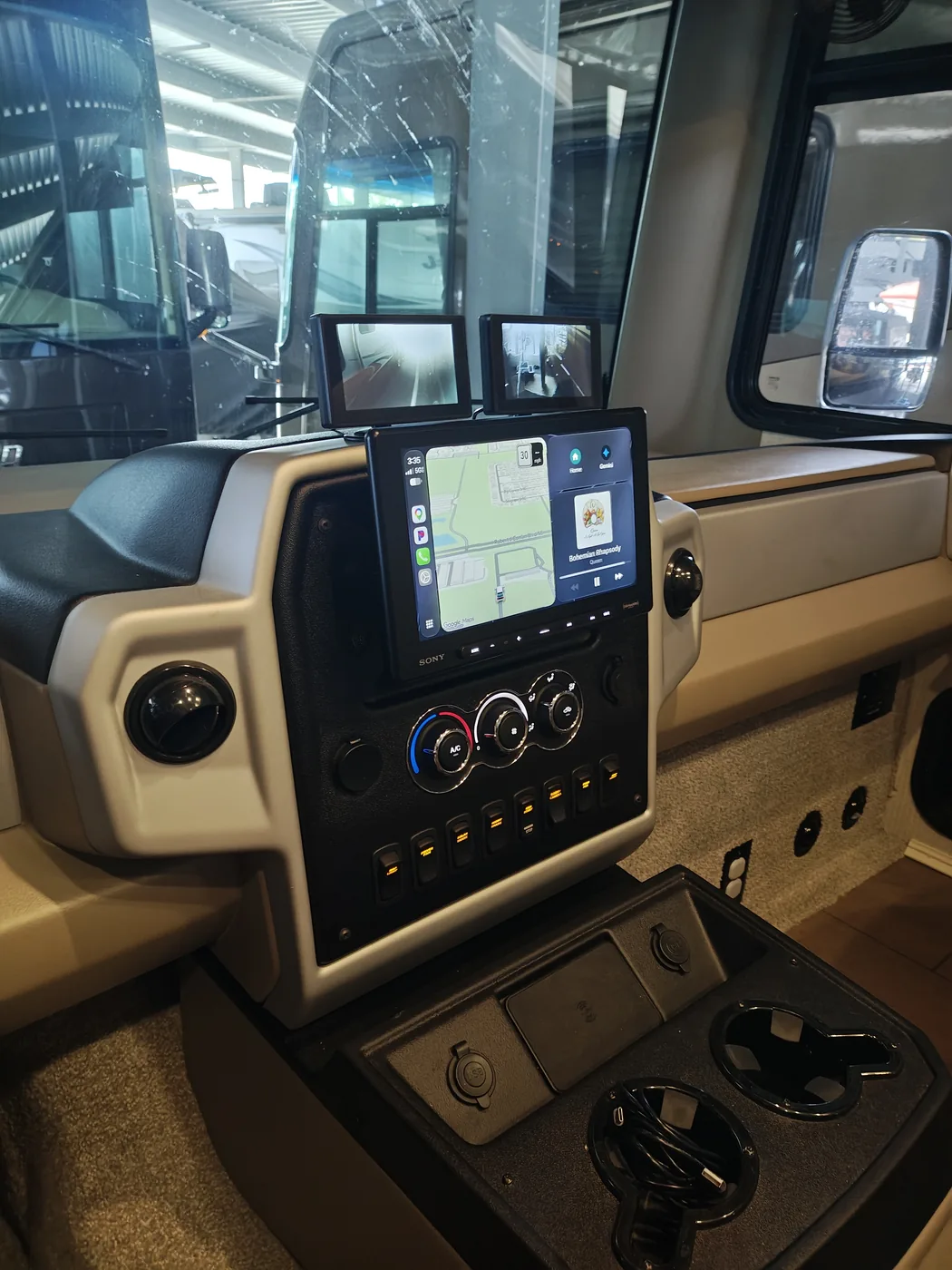
Becca and I bought our 2026 Tiffin Open Road Allegro 29NA in September 2025. After a little more than a year with its Garmin RV51 navigation and entertainment system, I'd had enough.
Every time I used the Garmin, I felt like I had to learn it all over again. Settings were hard to find, and the whole interface just didn't make sense to me. It felt like something that would have been state of the art in the 1990s.
Meanwhile, we're all accustomed to Android Auto and Apple CarPlay. You get into a vehicle, connect your phone, and your navigation and entertainment are familiar. Except in our Tiffin.
Why the Garmin Had to Go
Becca and I like listening to audiobooks on the road. The Garmin would sometimes glitch and lose our place. Then we'd have to hunt through the book to find where we left off.
Traffic was another frustration. We'd run into congestion and wonder why navigation hadn't warned us. Oh, right: the Garmin wasn't connected to Wi-Fi. Even when it was connected, it needed a stable connection, and its traffic information was limited and tucked away on another screen.
The Garmin RV51 was simply a horrible user experience for us.
In my earlier article, Fixing the Side Cameras on Our Tiffin Motorhome, I explained how I moved the side cameras off the Garmin and onto their own dedicated monitors. Once I'd done that, the Garmin's days were numbered.
Choosing a Replacement
I wanted to spend less than $1,000. As I researched head units, I mentally divided the options into four groups.
High end: Kenwood
Some of the premium Kenwood units were around $1,600. They may be wonderful for audiophiles, but we're driving a gas motorhome. With the engine and road noise, we're not going to get a perfect listening environment anyway. That's a steep price for audio performance we might never appreciate.
Middle of the pack: Pioneer
The Pioneer options I considered were around $400 to $600. They looked like reasonable choices, but reports of glare concerned me. A motorhome dashboard gets plenty of sunlight.
Budget: Dual Electronics
At around $200, the lower-end options were tempting. But after reading reviews, I worried about durability and whether the displays would be usable in bright light. Saving money wouldn't help if I ended up replacing the unit again.
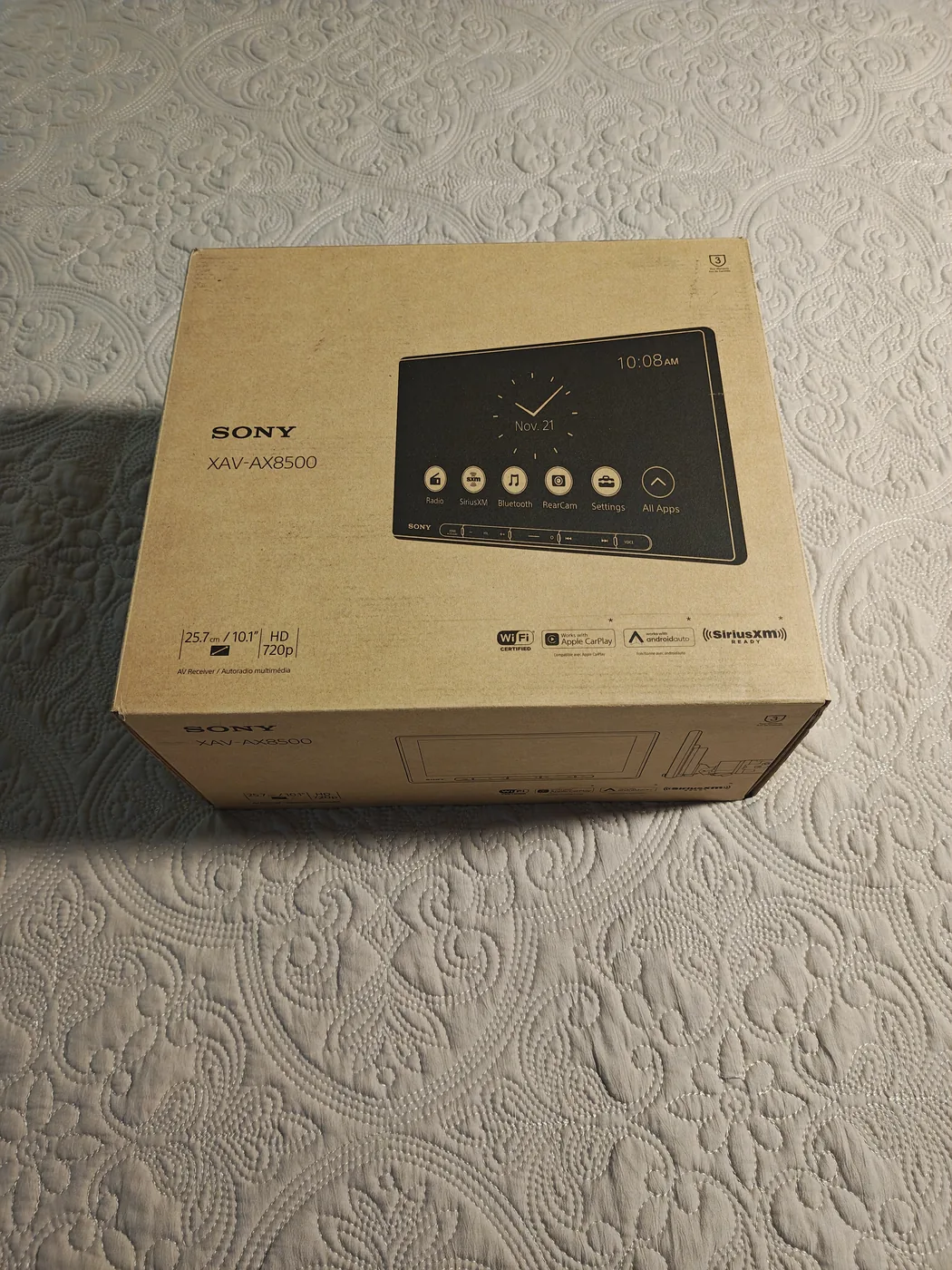
The sweet spot: Sony XAV-AX8500
The Sony XAV-AX8500 was about $900, within my budget. It had a beautiful 10.1-inch adjustable display, a three-year warranty, and the phone integration I wanted: Android Auto for me and Apple CarPlay for Becca.
It wasn't about getting the most expensive stereo. It was about getting a quality unit with an interface we'd actually enjoy using.
What Had I Gotten Myself Into?
I really had no idea what I was getting into when I started.
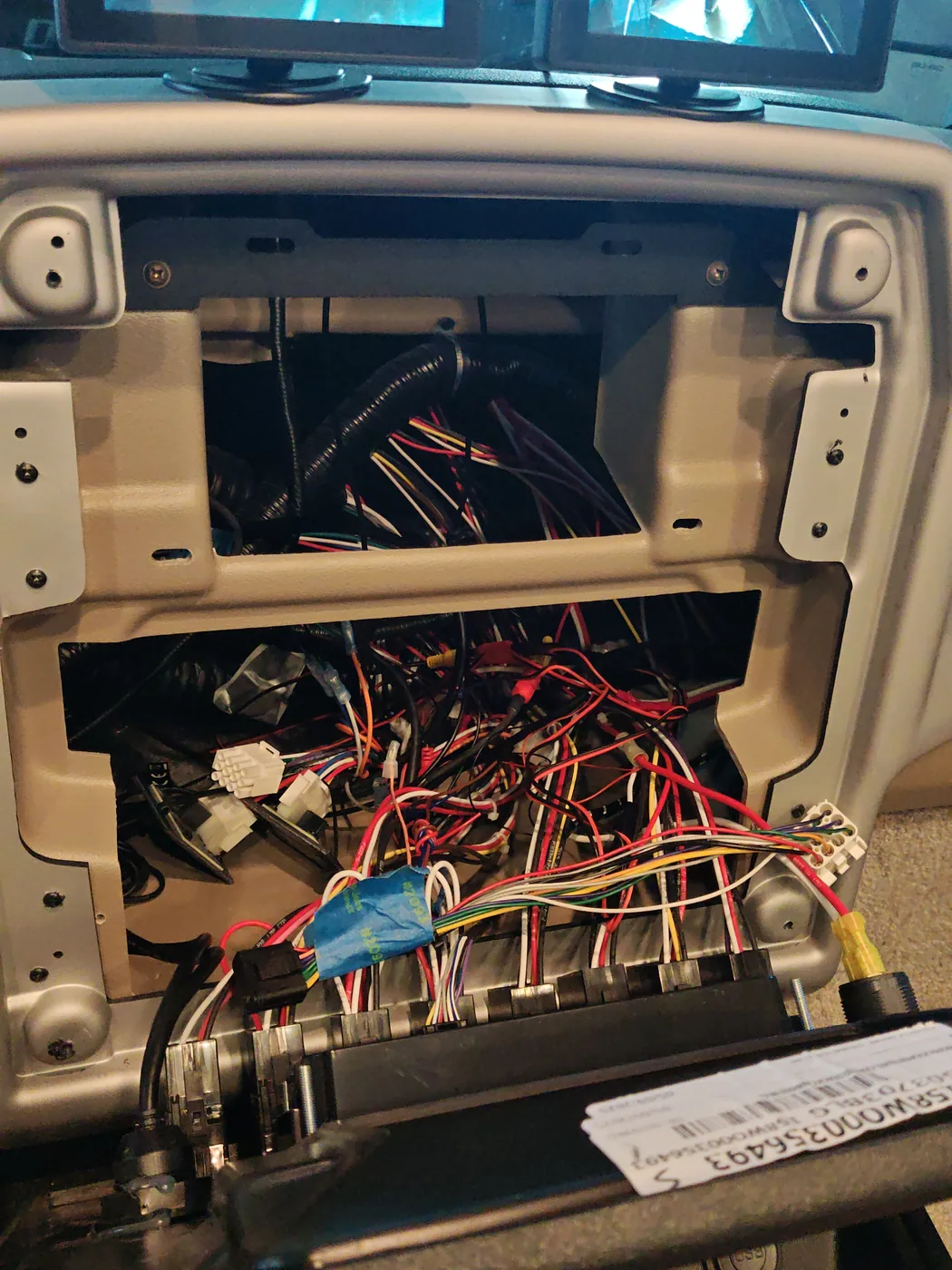
First, I removed the Garmin. That exposed the wiring behind the dash and the opening I'd need to work with.
Making the Sony Fit
The Garmin occupied a double-DIN space, but the Sony has a single-DIN chassis with a large display mounted in front. And the Sony came with no mounting hardware.
Rather than start over, I reused the original Garmin mounting brackets. I made a plastic template, figured out where the Sony needed to sit, and drilled new holes in the brackets.
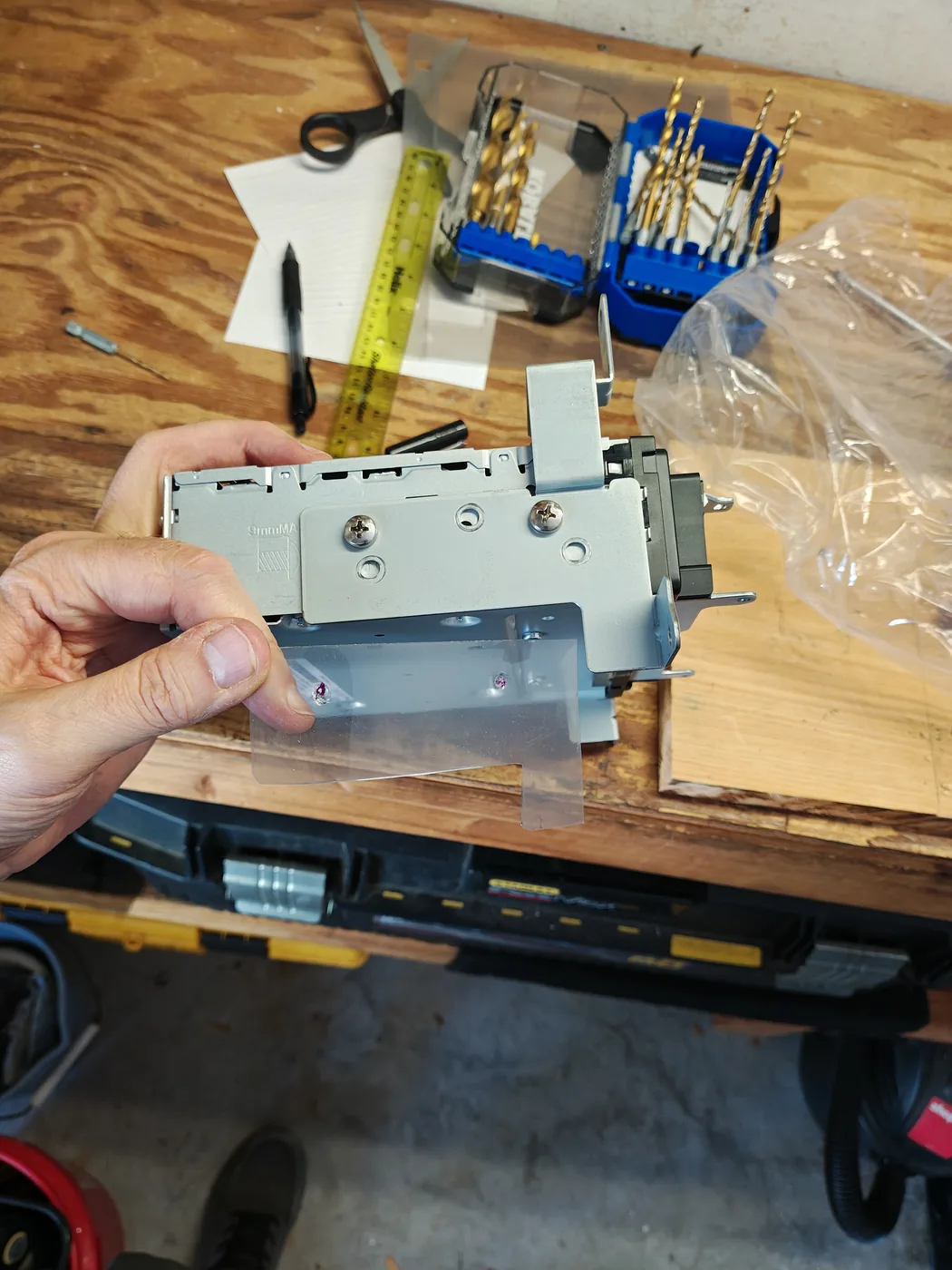
It took a little fabrication, but the original hardware ended up working nicely.
Wiring the New Unit
This part turned out to be more straightforward than I expected.
I had the wiring specifications for both the Garmin and Sony harnesses. The important detail was that the Tiffin's wiring plugged into the Garmin harness. I didn't need to map every wire in the motorhome itself. I could keep the Tiffin-side connector and adapt the other end to the Sony.
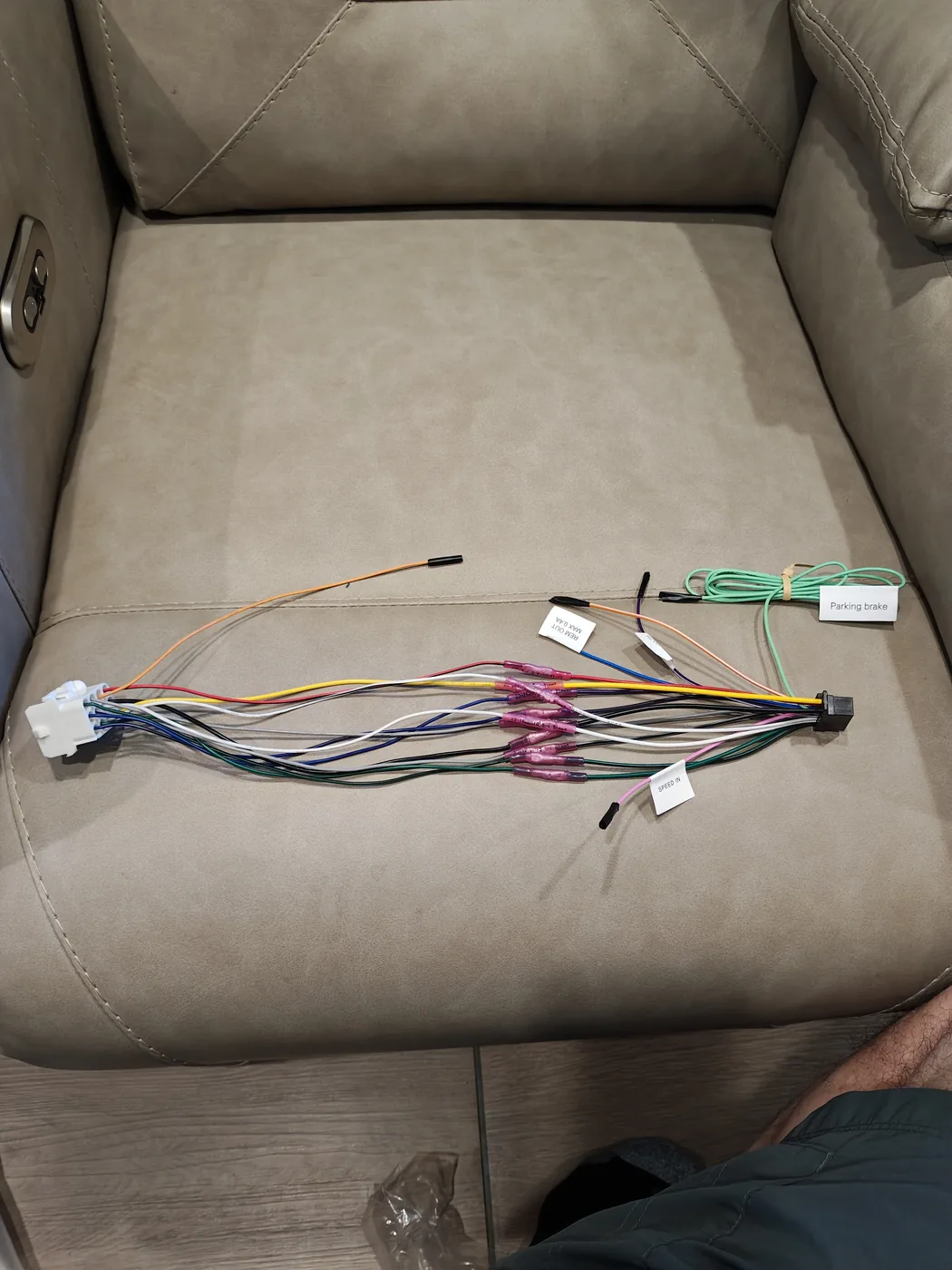
Before cutting and connecting anything, I used a multimeter to identify the always-on power, switched power, and ground. Once I was confident about those connections, I cut off the Garmin end of its harness and matched the appropriate wires to the Sony harness.
That left me with 13 splices to make.
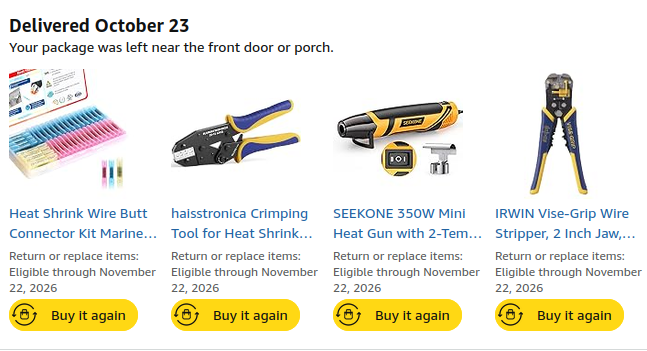
I'd bought some good tools for the job: heat-shrink butt connectors, a ratcheting crimper, a wire stripper, and a small heat gun. Those made the work much easier. Each connection was crimped, then heat-shrunk to insulate it.
The result was an adapter harness that connected the Sony to the existing Tiffin connector without having to rewire the motorhome.
Testing Everything
After installing the Sony, I checked the audio in every direction: front, rear, left, and right. All of it worked.
Navigation worked. Entertainment worked. And, importantly, the Tiffin's RADIO/CAMERA switch still lets us power the unit when the ignition is off, just as it did before. The dedicated side-camera monitors work with that switch, too.
That's exactly what I wanted: a better interface without losing the useful functionality that was already there.
The Finished Dashboard
The Sony doesn't sit flush with the dashboard the way the Garmin did. Its 10.1-inch screen stands out in front of the dash, because it needs room to pivot left and right and adjust up and down.
Does that make it look a little aftermarket? Sure. But I don't care. I love it. The big, adjustable screen is one of the reasons I chose it in the first place.
Was It Worth It?
Absolutely.
We now have a familiar navigation and entertainment experience, a large adjustable display, and working audio throughout the motorhome. The original power switch still does its job, and the side cameras remain independent of the navigation screen.
The mounting took some improvisation, and the wiring required care, but neither turned into the nightmare I'd feared.
After a year of struggling with the Garmin, I'm glad it's gone. People can look at the pictures and decide for themselves what they think of the finished dashboard. As for me, I love it.